Back to the map
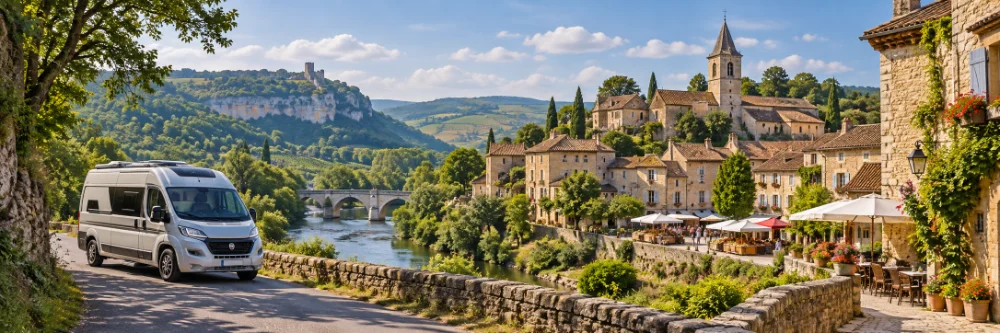
Camper route through beautiful villages in France with a camper, river, viewpoint and historic village

Camper route through beautiful villages in France

A good camper route through France does not have to follow only famous cities. Small villages, fortified towns, wine places and market towns make the journey more varied. With the map you can save villages, turn on Make route, add your own stops and adjust your route as you travel.

Start with the interactive map

Build your route step by step

Choose a region or direction first, then switch on France in the map. Mark villages that match your pace and interests.

Favourites

Favourites are useful for saving places. Press and hold a pin for about a second to save or remove it as a favourite. Only favourites only shows your favourites on the map and in the list; it does not draw a route line between favourites.

Make route

To make an actual route, first tap a village pin once to open the village. Next to Make favourite, tap + route. The village is then added to your route and the button changes to In route. Press and hold an empty spot to create a custom pin, for example for a campsite, winery, parking place, overnight stop or viewpoint. That custom pin is not added to the route until you tap + route in the pin menu.

A small route overview appears above the map. It shows your villages and custom pins in the correct order. Use the cross to remove a route point. Custom pins also show GPS coordinates and have an edit button, so you can rename them to Campsite, Winery or Overnight stop. That name is saved locally and is included when you share the route. A default custom pin is removed when it is not in the route. A renamed custom pin stays on the map and is only removed from the route. Use Delete route and confirm with Yes to remove the whole route.

Once there are two or more route points, Open in Maps appears. Choose whether Google Maps should start from my location or from the first village. Google Maps uses the last route point as the destination and the points in between as waypoints. For long routes, Google Maps receives the first ten route points.

Combine pretty views with practical stops: a market day, a campsite near the centre, a terrace, a winery, a parking place, a riverside walk or a historic centre where you can spend an afternoon. Use custom pins for anything that is not already a fixed village on the map.

Related pages